

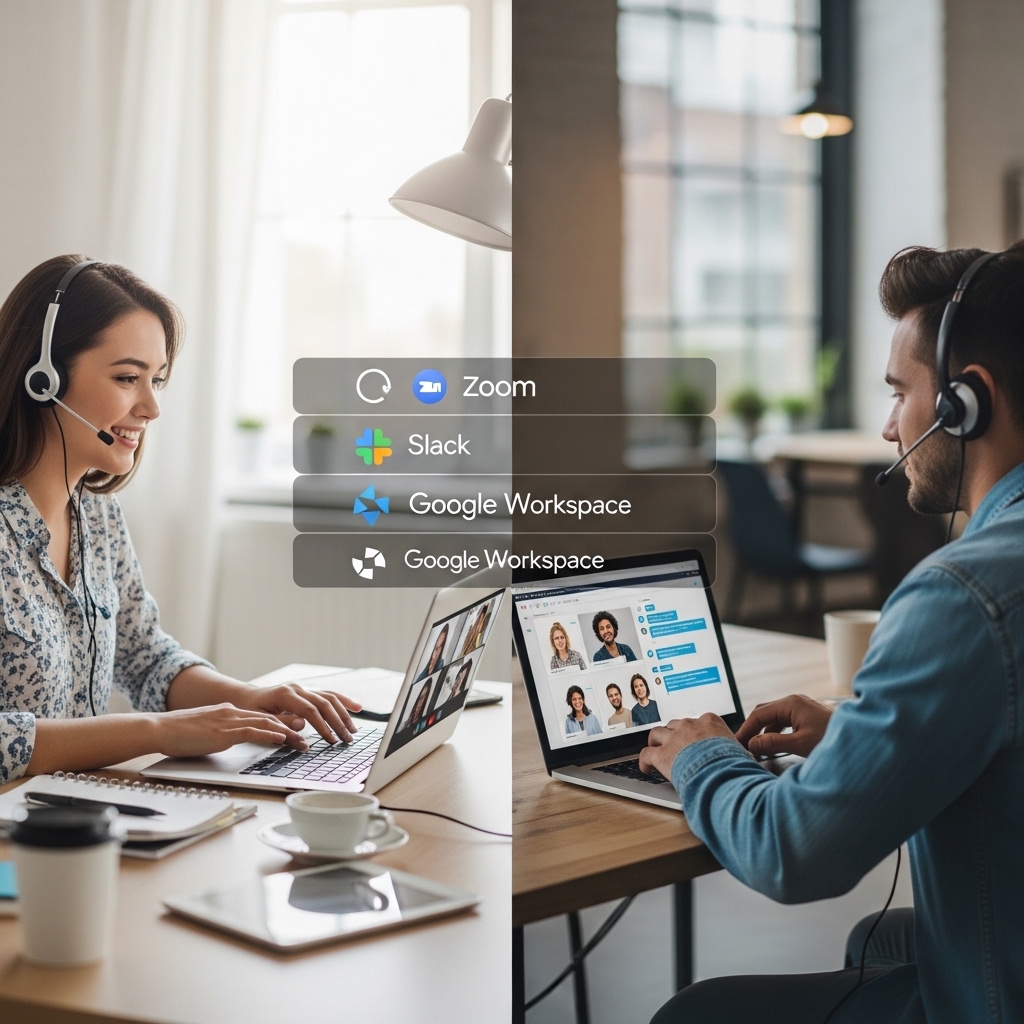
Why Top Software Tools for Remote Teams Matters to Me
As a remote worker myself, I’ve experienced the struggles of coordinating with team members across different time zones, managing projects, and staying connected. It’s not always easy, and I’ve lost count of how many times I’ve wished for a magic wand to simplify our workflow. But, as I’ve learned, it’s not about magic – it’s about the right software tools. In this article, I’ll share my top picks for remote teams, along with practical tips and real-world examples to help you streamline your workflow and boost productivity.
Top Lessons on Top Software Tools for Remote Teams
Here are five takeaways that I hope will benefit you:
1. Communication is key: Choose tools that facilitate seamless communication and collaboration. I’m a big fan of Slack for team chat and Zoom for video conferencing.
2. Task management is essential: Tools like Trello, Asana, and Notion help me stay organized and on top of tasks. Find one that fits your team’s style and workflow.
3. Time zone management is crucial: World Time Buddy is a game-changer for scheduling meetings and coordinating across different time zones.
4. File sharing and storage are vital: Google Drive, Dropbox, and Microsoft OneDrive are my go-to options for storing and sharing files.
5. Security is paramount: LastPass and 1Password are my trusted password managers for securing sensitive information.
Project Management Tools for Remote Teams
When working on a project, it’s essential to have a centralized hub for tracking progress, assigning tasks, and setting deadlines. Here’s why I recommend Asana:
How Asana Works
Asana is a cloud-based project management tool that helps teams stay organized and focused. With Asana, you can create customizable workflows, assign tasks, and set deadlines. The tool also integrates with other popular software like Slack and Google Drive.
Real-World Example
I recently worked on a project with a team of five members, and we used Asana to manage tasks and track progress. We created a custom workflow for each task, set deadlines, and assigned team members to specific tasks. Asana’s dashboard allowed us to visualize our progress and make adjustments as needed. The result? We completed the project on time and within budget!
Tips for Using Asana
- Create a custom workflow for each project to ensure consistency and clarity.
- Assign tasks to specific team members to avoid confusion and overlapping work.
- Use Asana’s reporting feature to track progress and identify areas for improvement.
- Use World Time Buddy to convert time zones for team members who work in different regions.
- Schedule meetings and set reminders to ensure you stay on track.
- Plan your day using the calendar view to avoid conflicts and overlapping tasks.
- Create a shared folder for each project to store and share files.
- Use Google Drive’s version history feature to track changes and revert to previous versions if needed.
- Collaborate on documents and spreadsheets in real-time using Google Drive’s built-in editing tools.
- Generate strong, unique passwords for each account using LastPass.
- Autofill login credentials to avoid typing errors and increase security.
- Use LastPass’s password analyzer to identify weak passwords and improve security.
Time Zone Management Tools for Remote Teams
When working with team members across different time zones, it can be challenging to schedule meetings and coordinate tasks. That’s where World Time Buddy comes in:
How World Time Buddy Works
World Time Buddy is a simple yet powerful tool that helps you convert time zones, schedule meetings, and plan your day. With World Time Buddy, you can also set reminders and notifications to ensure you stay on track.
Real-World Example
I have a team member who works from Australia, and we often schedule meetings to discuss project progress. World Time Buddy helps me convert their time zone to my local time, ensuring we meet at the right time. The tool also provides a calendar view, making it easy to plan my day and schedule meetings.
Tips for Using World Time Buddy
File Sharing and Storage Tools for Remote Teams
When working on a project, it’s essential to have a secure and centralized location for storing and sharing files. Here’s why I recommend Google Drive:
How Google Drive Works
Google Drive is a cloud-based storage service that allows you to store and share files with team members. With Google Drive, you can also collaborate on documents and spreadsheets in real-time.
Real-World Example
I recently worked on a project with a team of five members, and we used Google Drive to store and share files. We created a shared folder for the project, where we stored documents, images, and other files. The tool’s version history feature allowed us to track changes and revert to previous versions if needed.
Tips for Using Google Drive
Security Tools for Remote Teams
When working with sensitive information, it’s essential to have robust security measures in place. Here’s why I recommend LastPass:
How LastPass Works
LastPass is a password manager that helps you generate and store strong, unique passwords for each account. With LastPass, you can also autofill login credentials and generate secure passwords for new accounts.
Real-World Example
I recently had to create a new account for a project, and I used LastPass to generate a strong, unique password. The tool also autofilled my login credentials, making it easy to access the account.
Tips for Using LastPass
Wrapping Up My Thoughts on Top Software Tools for Remote Teams
Working remotely can be challenging, but with the right software tools, you can streamline your workflow, boost productivity, and stay connected with your team. Remember to choose tools that fit your team’s style and workflow, and don’t be afraid to experiment and find what works best for you.
Frequent Questions About Top Software Tools for Remote Teams
Q: What is the best project management tool for remote teams?
A: The best project management tool for remote teams depends on your team’s style and workflow. However, Asana is a popular choice among remote teams due to its customizable workflows, task assignments, and deadline tracking features.
Q: How do I manage time zones with my remote team?
A: World Time Buddy is a great tool for managing time zones with your remote team. It allows you to convert time zones, schedule meetings, and plan your day.
Q: What is the best password manager for remote teams?
A: LastPass is a popular choice among remote teams due to its robust security features, password generation, and autofill capabilities.
